
NewFully in Arabic, right to left
Every time zone.One glance.
Add your cities, pick an hour, and copy it to your team. Free for Chrome, Mac, Windows and Linux.
- No account
- Works offline
- English & العربية
Lives where you already work.
Four apps, one list of cities. Free, no account.
Chrome
Side panel next to any tab
Mac
Menu bar and desktop widgets · macOS 14+
Windows
Tray and window · Windows 10 and 11
Linux
GNOME app · Flatpak on Flathub
One glance, on every screen.
The same tiles and the same cities, wherever you are.
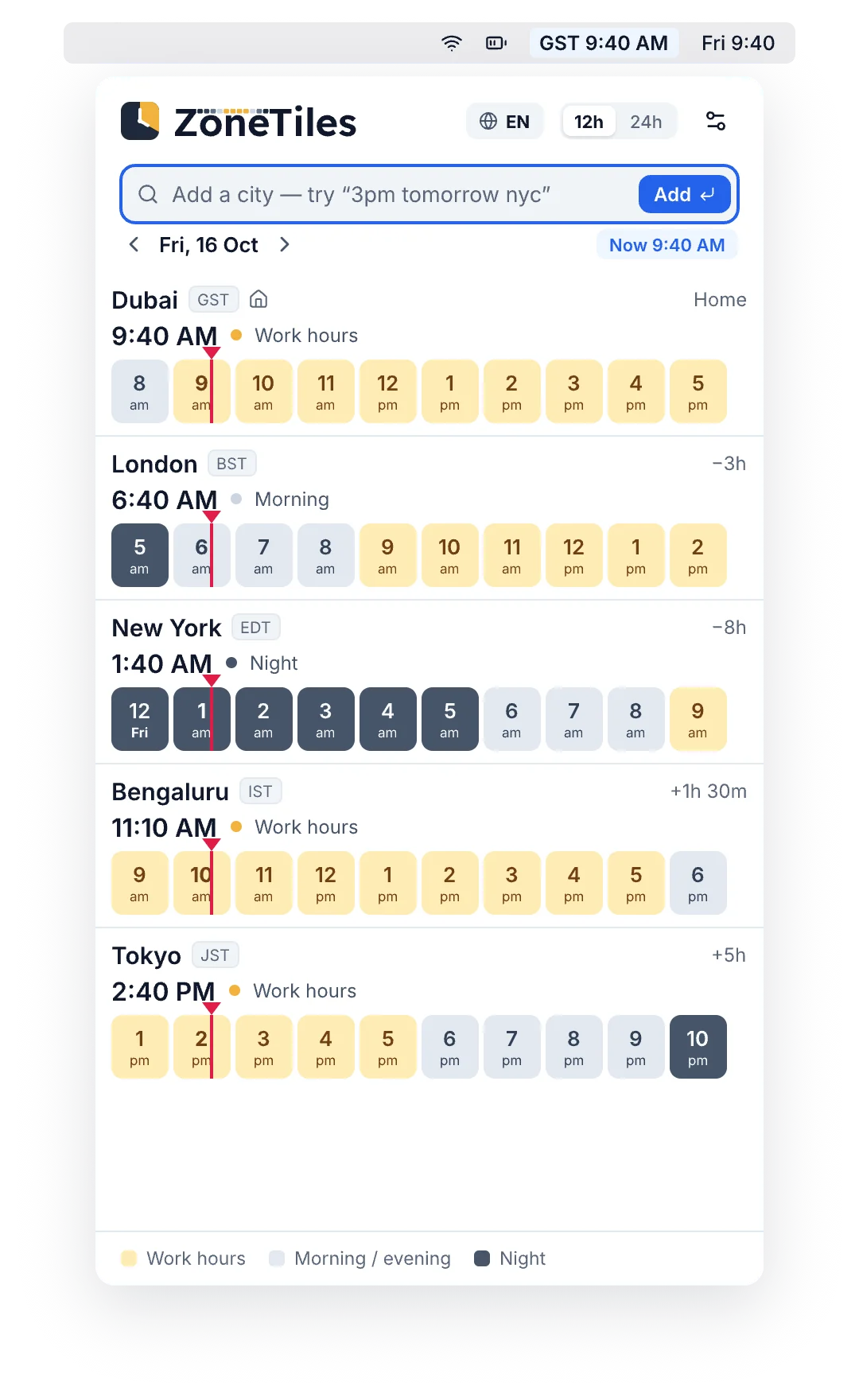
Mac menu bar
Click the time in your menu bar.
Your cities drop down right under the clock, with widgets for your desktop.
- Pick an hour, see it in every city
- Copy it for email, Slack or a calendar invite
- Desktop widgets for a quick glance
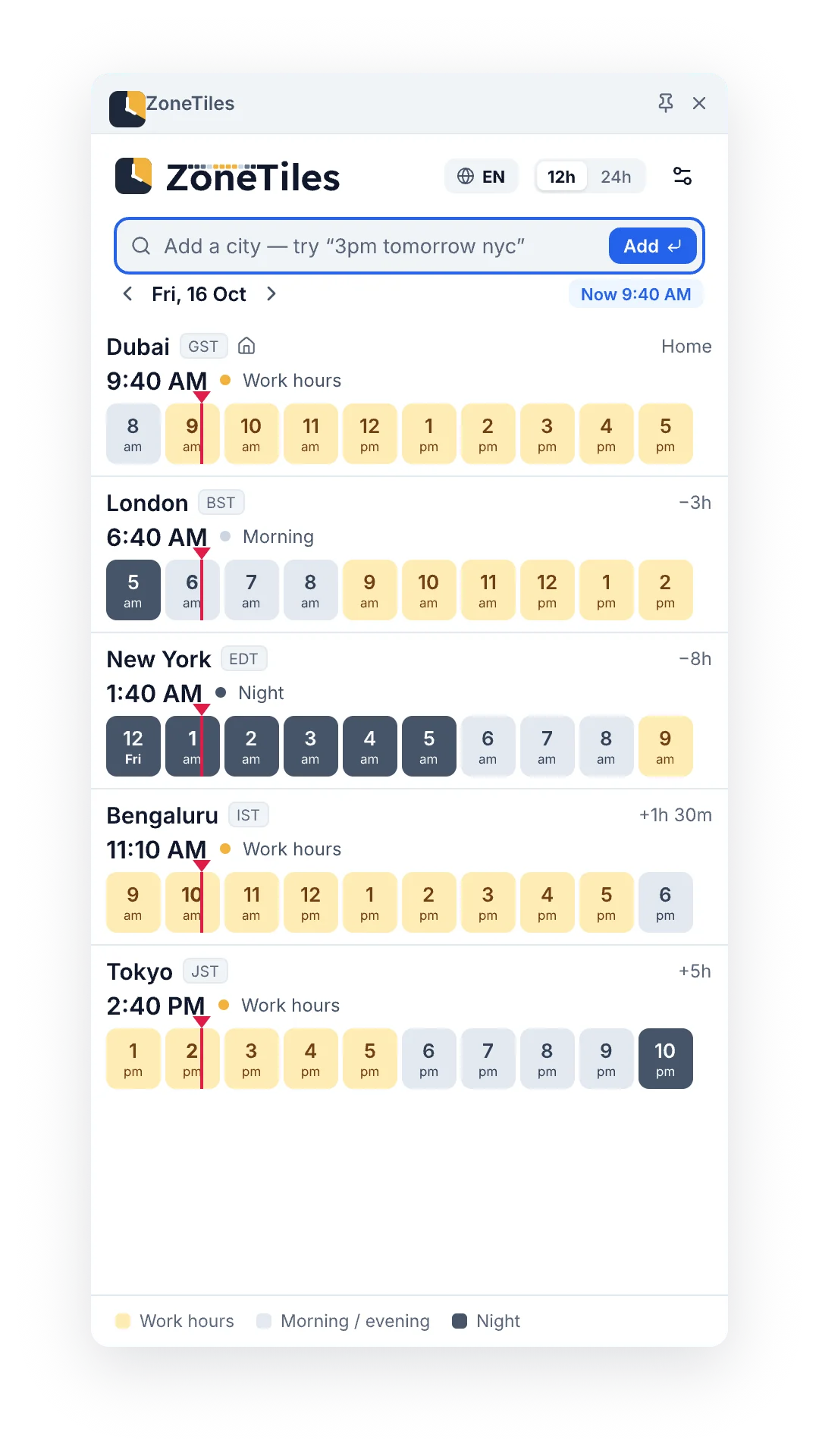
Chrome side panel
Your cities, next to any tab.
Click the ZoneTiles icon and the side panel opens beside whatever you're working on.
- Opens beside any tab
- Your list follows you through Chrome sync
- Type “3pm tomorrow nyc” to jump to a time
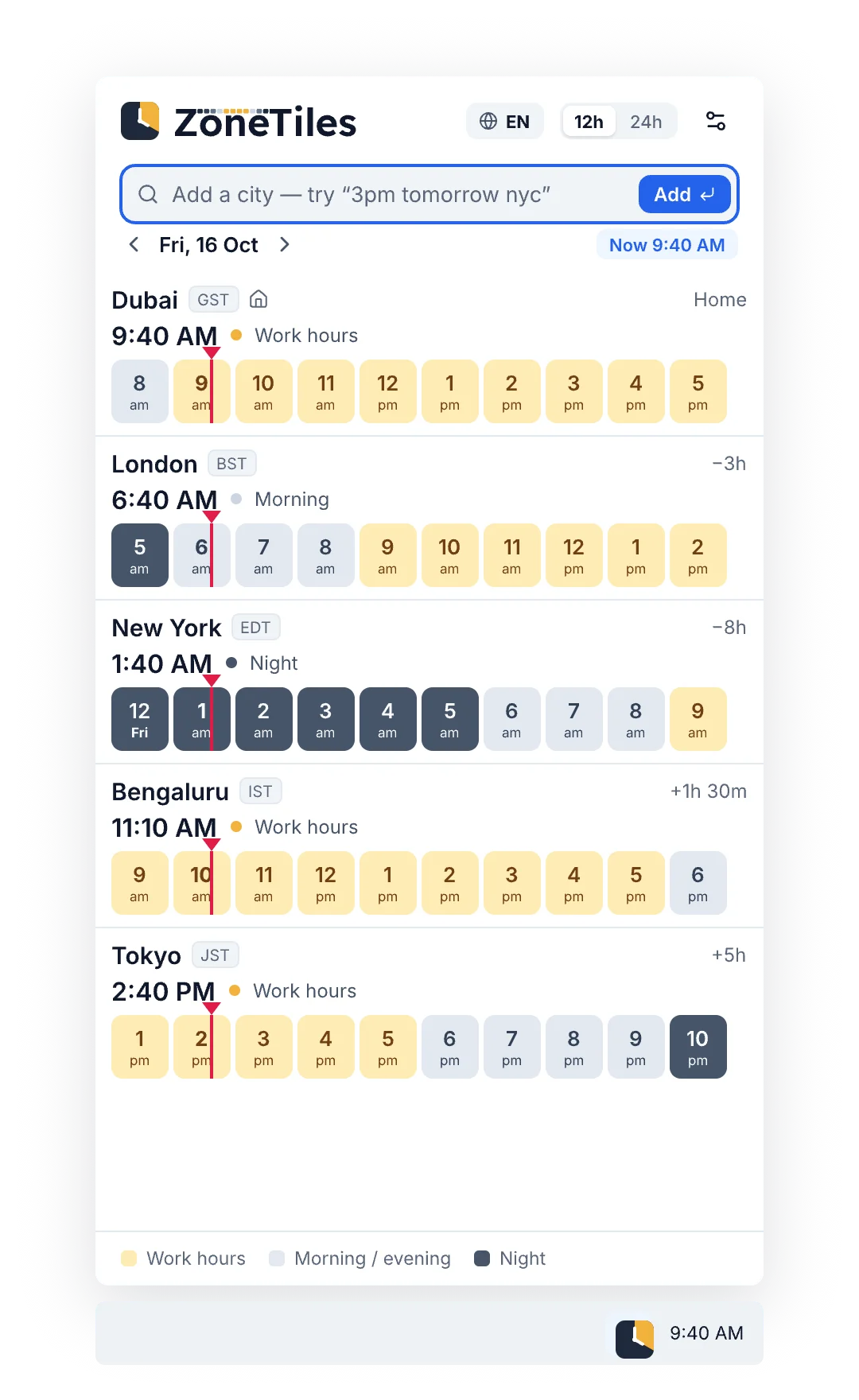
Windows tray
One click from the taskbar.
ZoneTiles sits next to the clock. Open it for a quick look, or open the full window to plan.
- Starts with Windows if you like
- Light and dark, just like Windows
- Copy for Outlook or Teams
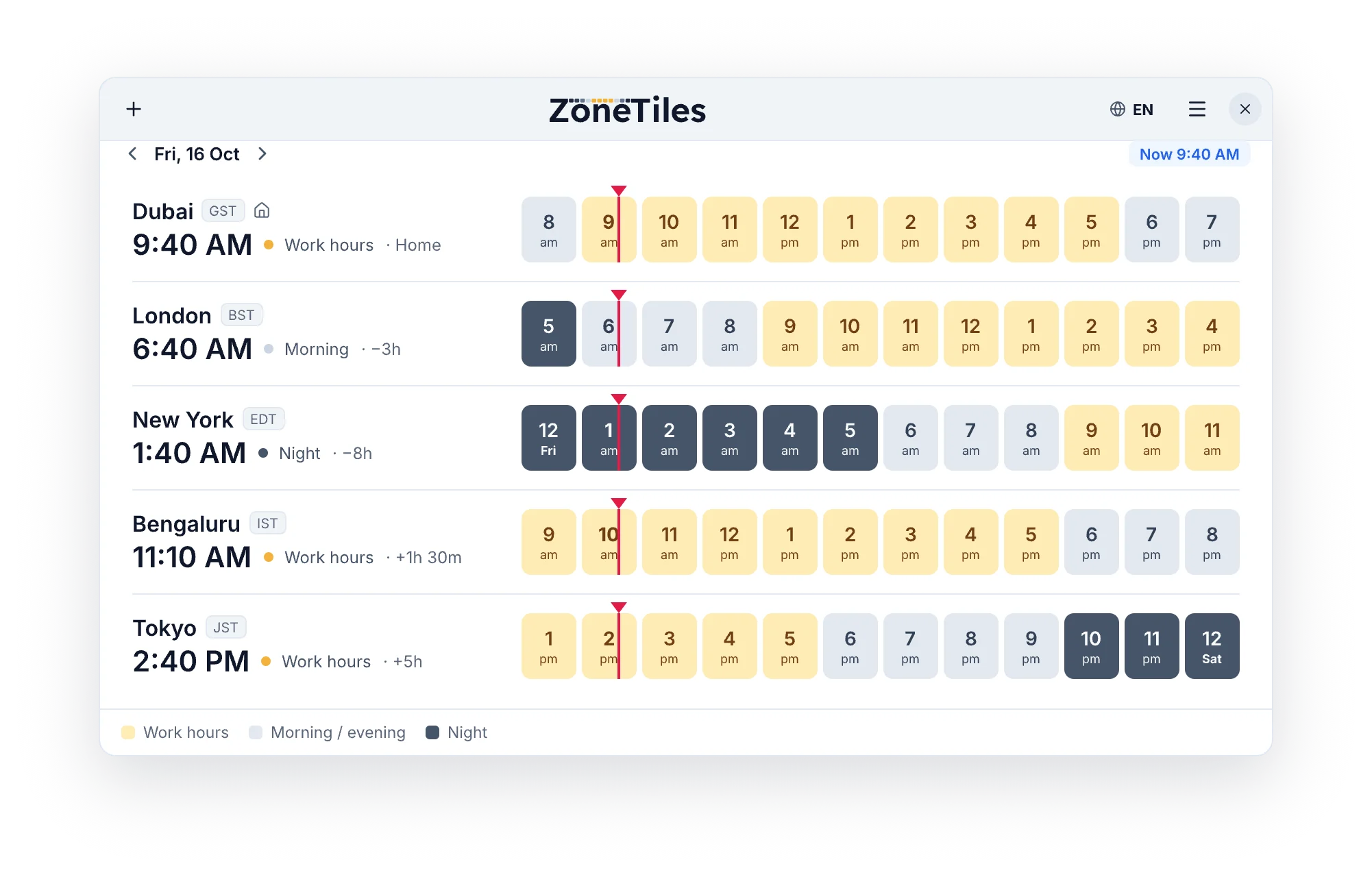
Linux desktop
A native GNOME app.
Built with GTK and libadwaita, so it looks at home on your desktop.
- Feels native on GNOME
- Works offline
- Install it from Flathub
Questions
Something else? Write to support@zonetiles.com
Is ZoneTiles free?
Yes. Free on Chrome, Mac, Windows, Linux and the web. No account, no ads.
Does it handle daylight saving?
Yes. Every city follows its own clock changes on the right dates, so the times are right on any day you pick, even in the weeks when the US and Europe change on different days.
Which cities can I add?
Over 34,000 cities around the world. Type a city, a country, or a time zone like “pst” or “ist”.
How do I share a time with my team?
Click an hour (or drag across a few), then press Copy. You get the time in every city, ready to paste into an email, Slack or a calendar invite.
Is it available in Arabic?
Yes. ZoneTiles works fully in Arabic, right to left, on the web and in every app. It follows your system or browser language, or pick it in Settings.
Do you collect my data?
Your cities and tags stay on your device. We count visits and app use anonymously to improve ZoneTiles, never the names in your tags or anything you type. Read the Privacy Policy